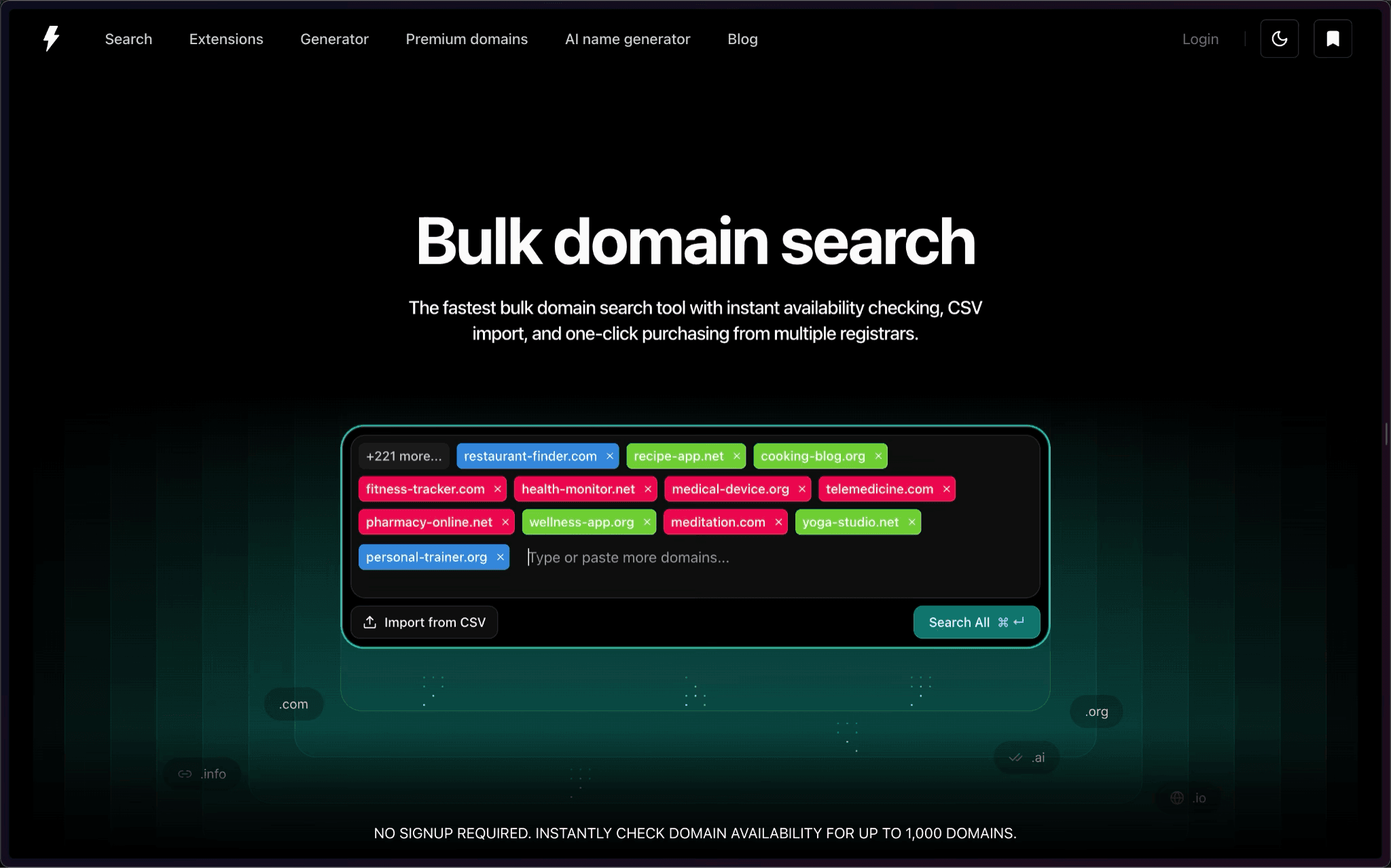
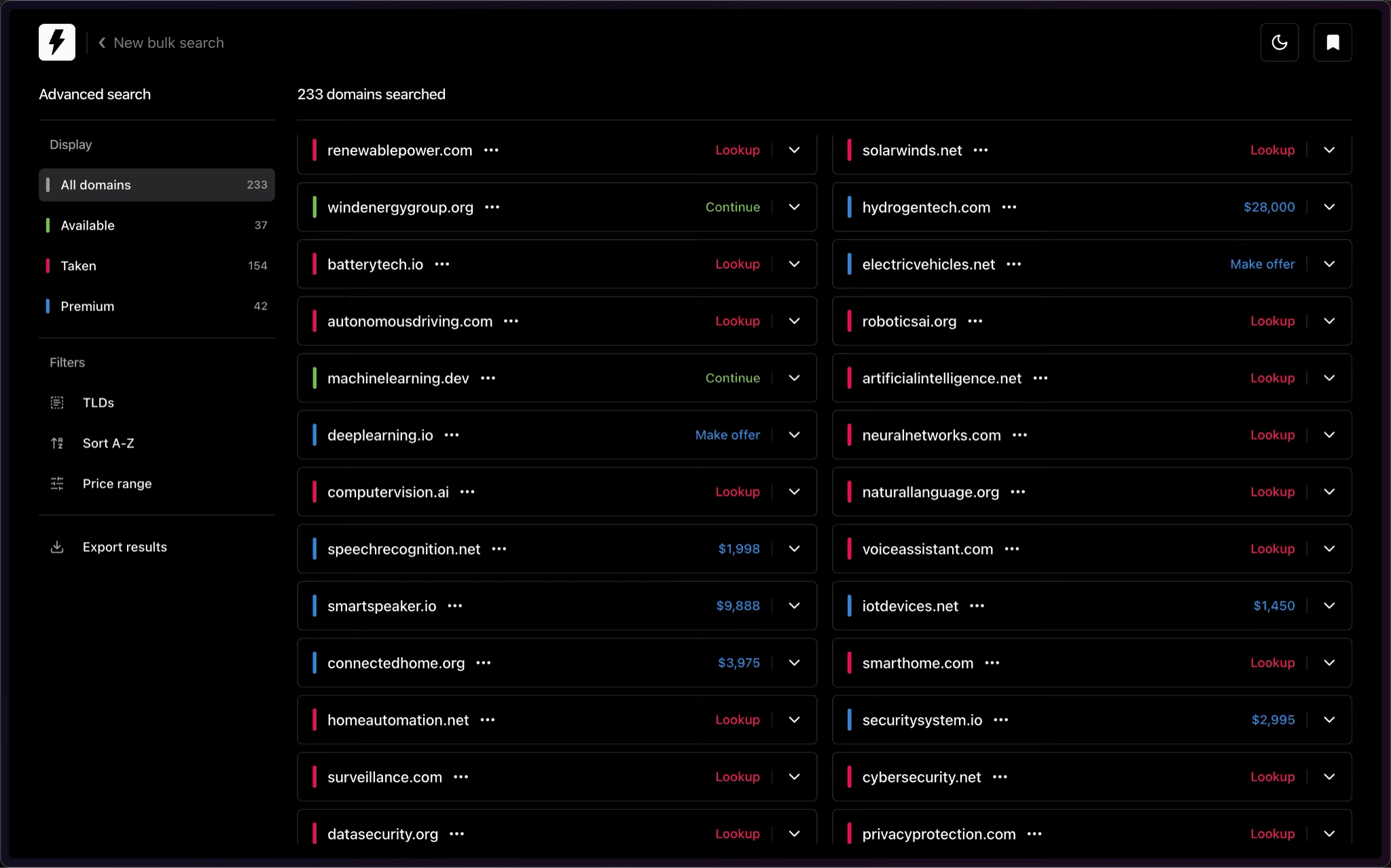
Run Instant Domain Search from Raycast’s Command Bar
Instant Domain Search Raycast extension. Search domains, check availability, and brainstorm names without leaving your command bar.
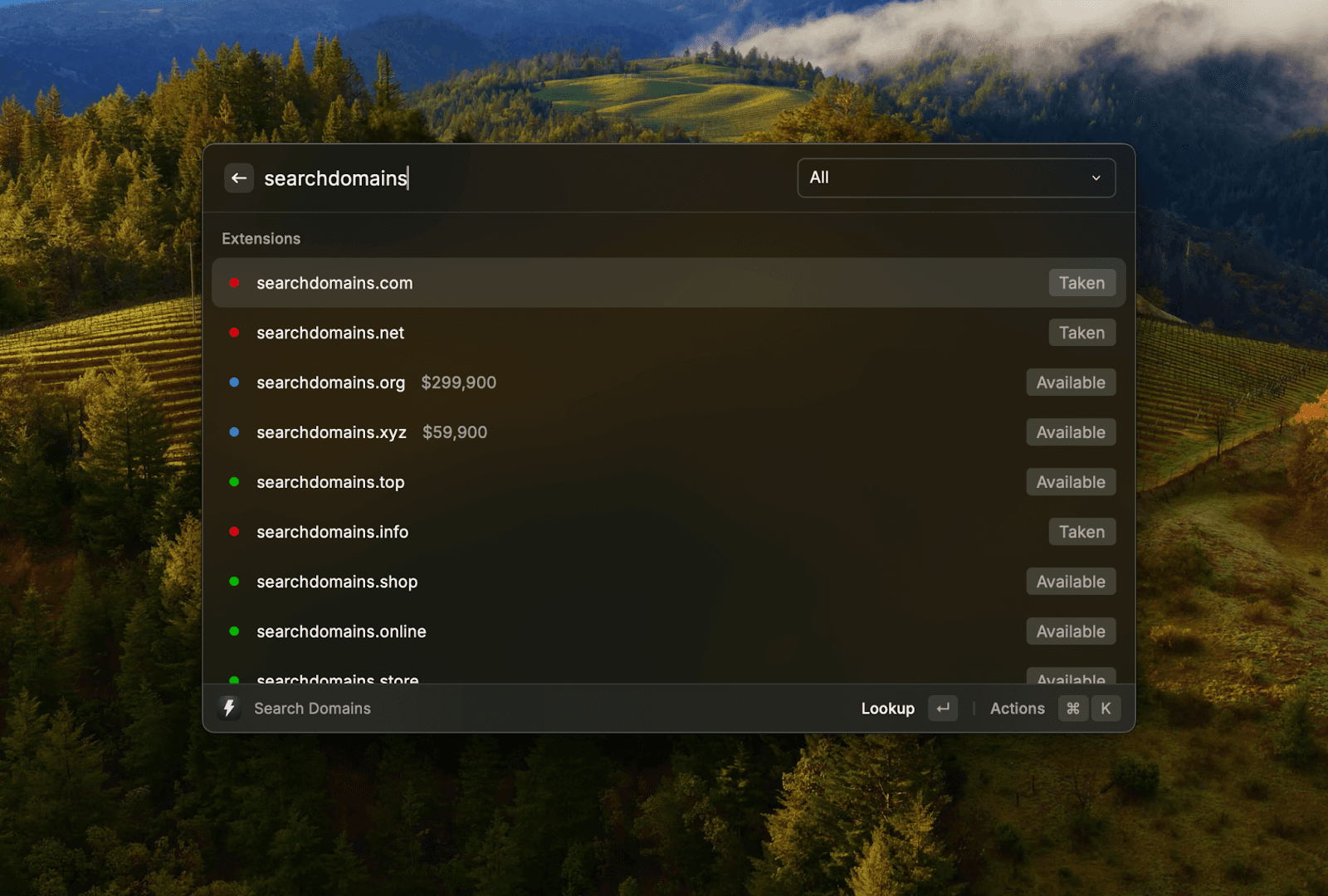
Our domain search tool is now available in Raycast. Check availability without leaving your command bar.
What’s New
We’ve built a Raycast extension that brings domain search directly into your workflow. Start typing and see results populate at the speed of keystroke: powered by the same fast API that runs instantdomainsearch.com. Keep your domain searches private from retail registrars, 100% free.
How it works
Search Domains: Start typing a name; 60 results stream in across our 3 search tools: Extensions (TLDs), Domain Name Generator, and Aftermarket Domains. Use ⌘ + P to filter any of the results.
Ask @instant-domain-search (MCP)
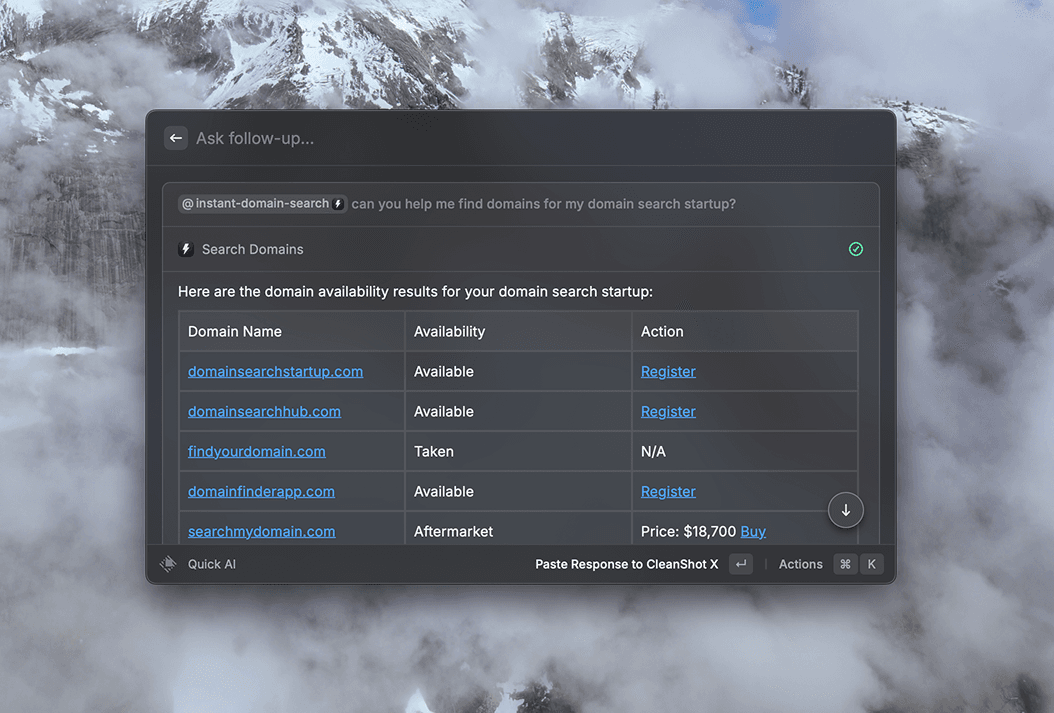
You can also chat directly with our MCP in Raycast using @instant-domain-search. Ask for domain ideas, check availability, or refine a shortlist. It’s backed by our Domain Search MCP Server: instantdomainsearch.com/mcp.
Why we built the extension
- Speed: Quick checks while coding or naming a repo/product, without switching apps.
- Focus: Keyboard-first workflow with instant feedback.
- Consistency: The same index, pricing, and partner data as our website.
- Privacy: Searches run against our infrastructure. We don’t send bulk queries to registrars unless you click through to a partner to buy.
Getting started
Open the Raycast store and search “Instant Domain Search” to install the extension.
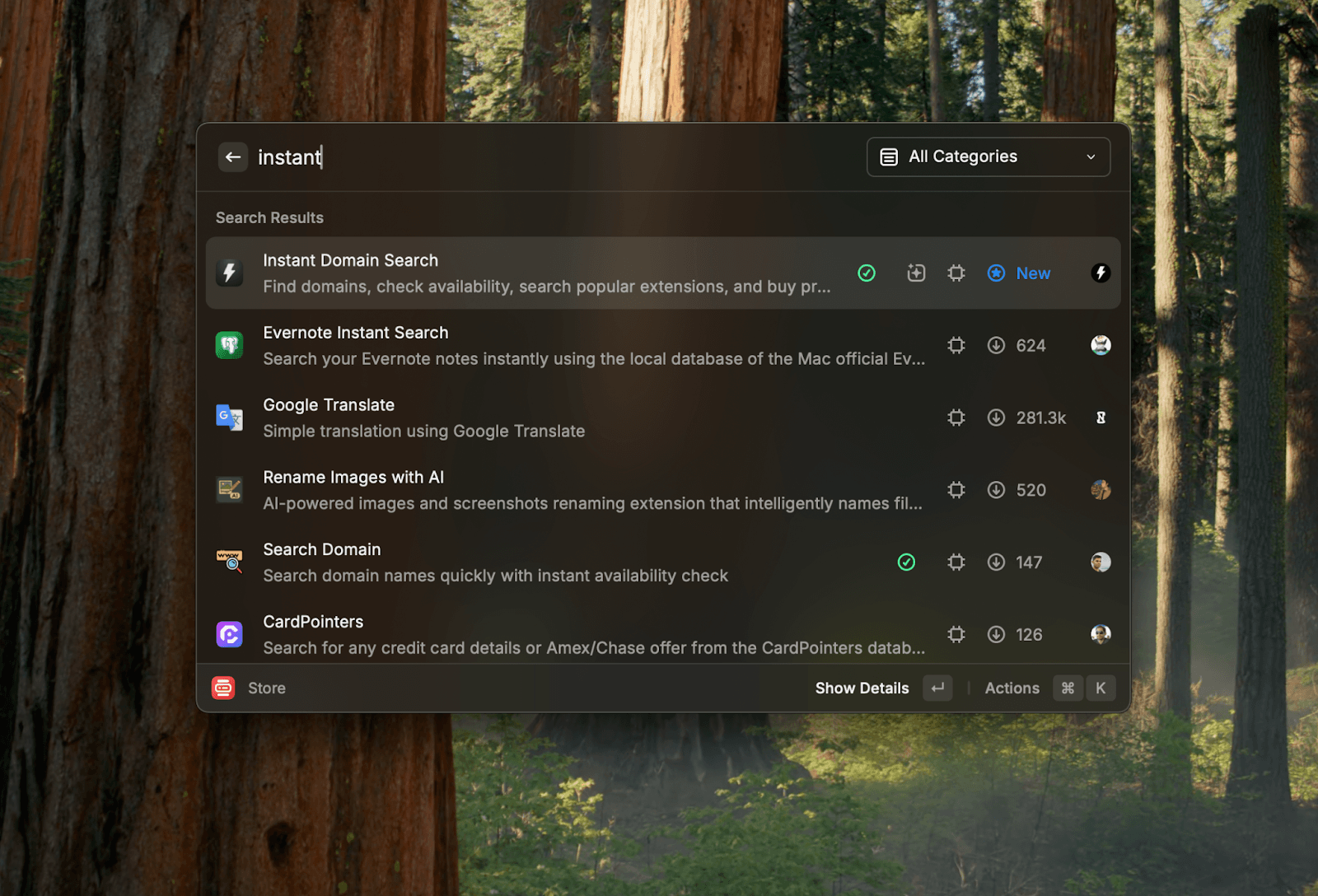
Run Search Domains, start typing, and use ⌘ P to filter between Extensions, Generator, and Premium. Mention @instant-domain-search in the Raycast chat to brainstorm names with our MCP.
Have feedback or requests? Ping us at hello@instant.ai.