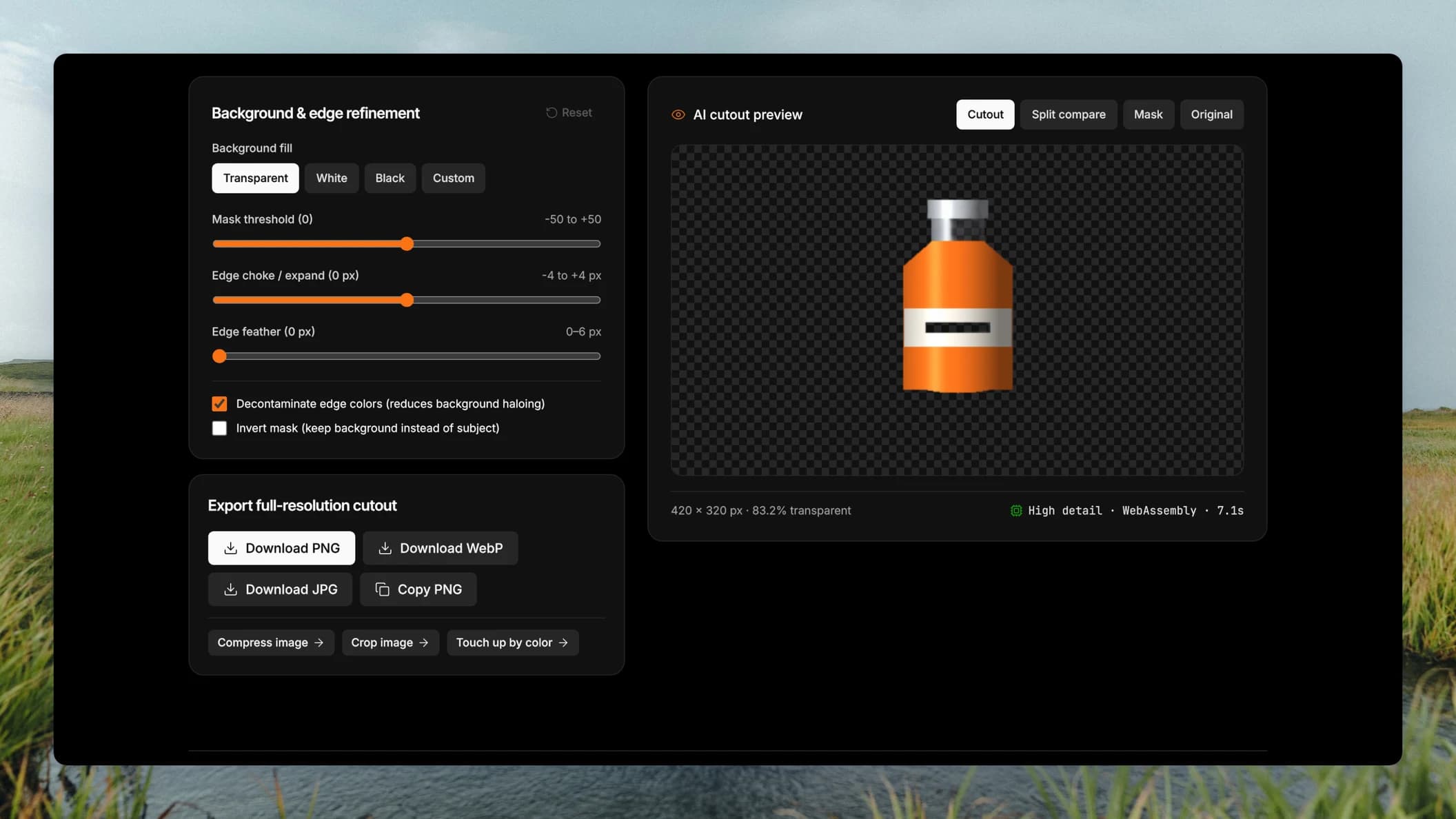
Product shots, headshots and pet photos rarely come with a clean backdrop. Background Remover on instant.ai cuts the subject out for you, for free and with no sign-up.
The AI runs inside your browser, so your photos never upload to a server. The first time you use a model, your browser downloads it once and keeps it cached.
One photo or a whole batch
- Single image lets you drop or choose a photo, then compare the result in Cutout, Split compare, Mask and Original views.
- Bulk / batch (up to 30) takes up to 30 photos at once. The model loads once, the same fill and edge settings apply to every card, and you can open any cutout in Single image mode to refine it.
When the batch is done, download every cutout in one ZIP.
Three models
- High detail for the cleanest cutouts on products, objects and people.
- Fast general for a smaller download and quicker runs.
- Portrait for headshots and hair.
Clean edges and the right file
Adjust the mask threshold, choke or expand the edge, feather it and remove background color fringing. Keep the background transparent or fill it with white, black or a custom color.
Export PNG or WebP with transparency, JPG on a solid fill, or copy the PNG straight to your clipboard. You can also send the cutout to Image Compressor, Image Cropper or Transparent Background Maker.
Try it
Open Background Remover and click Load sample photo. Flat logos on a solid backdrop still work best in Transparent Background Maker.
Frequently asked questions
Is Background Remover free?
Yes. It’s free, with no account or sign-up.
Are my photos uploaded?
No. Processing runs in your browser tab. Only the model weights are downloaded, once, the first time you use a model.
How many photos can I process at once?
Up to 30 in Bulk / batch mode, exported together as one ZIP.