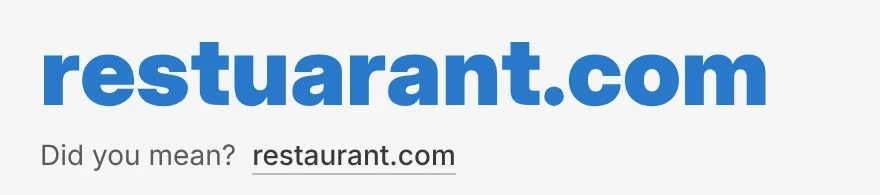
Type restuarant into a domain search and two things can go wrong right away: the misspelled domain might look open when the real word is taken, or, as with restuarant.com, you might stare at an $8,000 aftermarket listing for a typo.
Instant Domain Search now checks your query for likely misspellings and shows a quiet Did you mean? prompt right under the primary domain result. Click the suggested domain to switch your search to the corrected spelling immediately.
How spelling suggestions work
Domain search is full of invented brand names, compound words, and acronyms, so a spellchecker that auto-corrects your query or flags every coined word would quickly get in the way. We tuned Did you mean? around three rules so it only speaks up when a typo is genuinely likely:
- Waits until you pause typing. As you type, the prompt stays hidden so it never flashes intermediate guesses mid-word. Once you pause for 350 ms, it checks the completed query. Open a shared search link with a typo already in the URL, and the same check runs as the page loads.
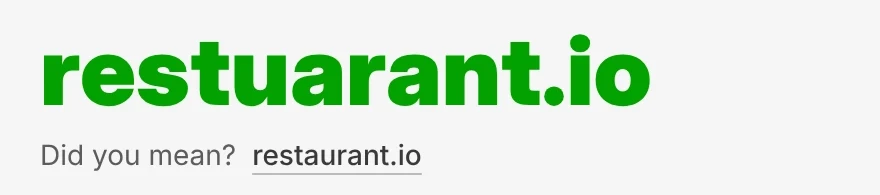
- Preserves the extension you typed. Search for restuarant and the prompt offers restaurant.com. Search for restuarant.io, or paste a full URL like
https://restuarant.io/menu, and the prompt keeps your extension, offering restaurant.io. - Stays quiet on coined brand names. Suggestions must be a single edit away (one transposed pair, one missing letter, one repeated letter, or one substituted letter), keep the same first letter, and be at least four characters long. Before a new spelling index goes live, it is tested against brand names and tech terms like brex, lyft, reddit, shopify, vercel, zapier, and digg that must stay as typed.
Zero layout shift on desktop and mobile
Because availability results appear as you type, a Did you mean? row that pushed the page down when it arrived after 350 ms could move the Buy or Continue button right as you reached to click it.
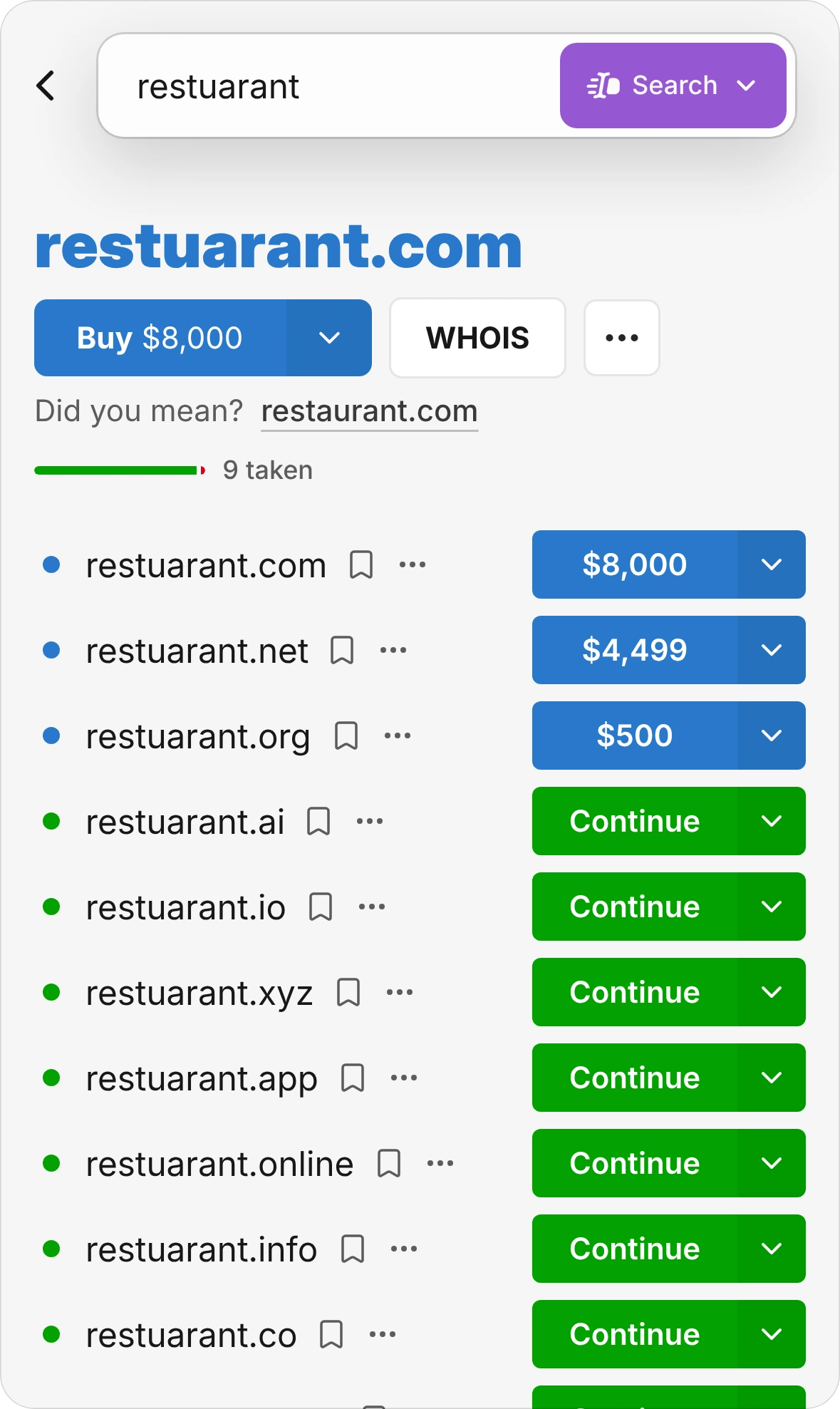
On desktop, the primary result card reserves a fixed line below the domain name so the Did you mean? prompt appears without moving a single pixel of the results below. On mobile, the prompt sits in a reserved slot below the action buttons so the primary domain and its buttons stay anchored at the top of the card.
Try it
Open Instant Domain Search with a typo like restuarant, pause for a beat, and click restaurant.com to jump straight to the corrected search.
Frequently asked questions
Does Instant Domain Search ever change my query automatically?
No. We always search the exact letters you typed first, because many great domain names are deliberate respellings. Did you mean? is always an optional one-click button.
What happens if I type a specific domain extension like .io or .ai?
The suggestion keeps the extension you typed. Searching restuarant.io suggests restaurant.io, and if you do not include an extension, it defaults to .com.
Why doesn’t a short word or a coined startup name trigger a suggestion?
Short strings and invented brand names look like typos to an ordinary dictionary. Limiting suggestions to single-edit corrections of four or more letters that share the same starting letter prevents most false alarms, and every new index is tested against a list of real brand names before it goes live.