A lot of naming starts in a chat now. You describe the business, ask for ten names, and get a list that sounds right. Then you open a new tab, paste the names into a domain search one at a time, and find out most of the .coms were registered years ago.
The model isn’t being careless. It has no way to know what’s registered, so it guesses, and it guesses with confidence.
So we put Instant Domain Search inside ChatGPT. It’s now in ChatGPT Plugins, listed as Instant AI. Install it once, and ChatGPT can check any name across supported extensions and suggest alternatives in the same conversation. It’s free, and there’s no account or API key.
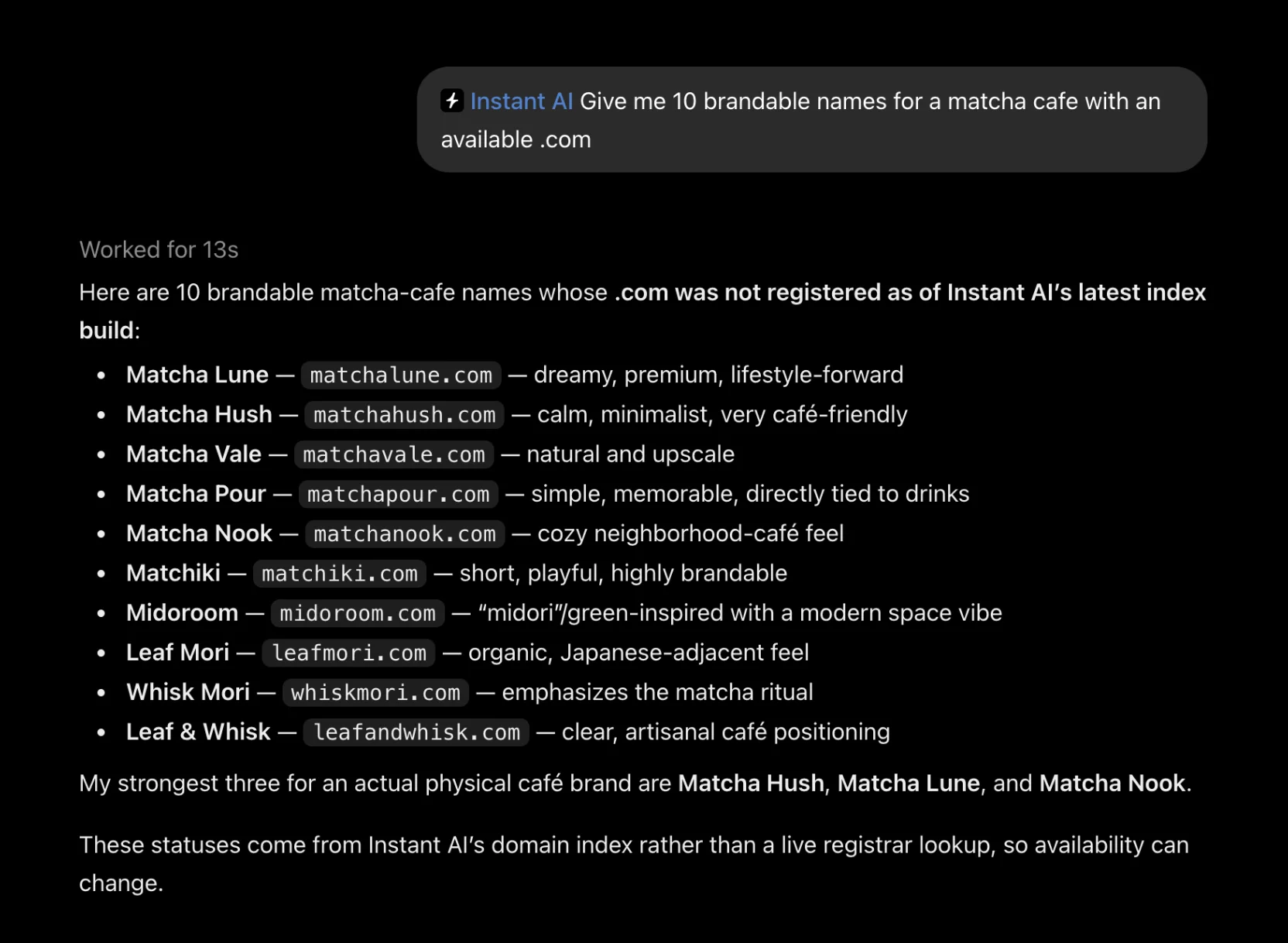
Here’s the matcha cafe prompt from the listing. ChatGPT came back with ten names whose .com was not registered as of our last index build, then picked its three favorites.
Why the chat needs a domain search
A language model knows words, not registrations. It learned from text, and it never saw the zone files that record which names are taken. Ask it whether a .com is free and you get a plausible answer, not a checked one.
Instant AI gives ChatGPT the check. When you ask about a domain, ChatGPT can call our search, read the result, and answer from it. The names it suggests come back with a status, and the ones it calls open were open in our index.
What’s in it
- One name, many extensions. Give it a name and choose from hundreds of extensions, including .com, .dev, .io, and .ai. Each request returns up to 100 results (32 by default).
- Up to 50 domains at once. Paste a list of full domain names and get the status of each.
- Alternatives when a name is taken. It generates .com variations with common prefixes and suffixes and reports which ones are open.
- Names with a domain attached. Ask for name ideas and each suggestion comes back with its .com status, like the matcha list above.
- Trademark records. It searches indexed USPTO records by mark text and shows the details of a filing, with the date of the snapshot it read.
- A research link on every domain. Each result links to the domain’s page on Instant Domain Search, with registrar prices and WHOIS details.
Taken names come with context
Most checks end at “taken.” Ask Instant AI to check shipwright across four extensions and all four come back registered, but the answer keeps going: shipwright.ai is listed on Afternic for $4,000, and ChatGPT says so.
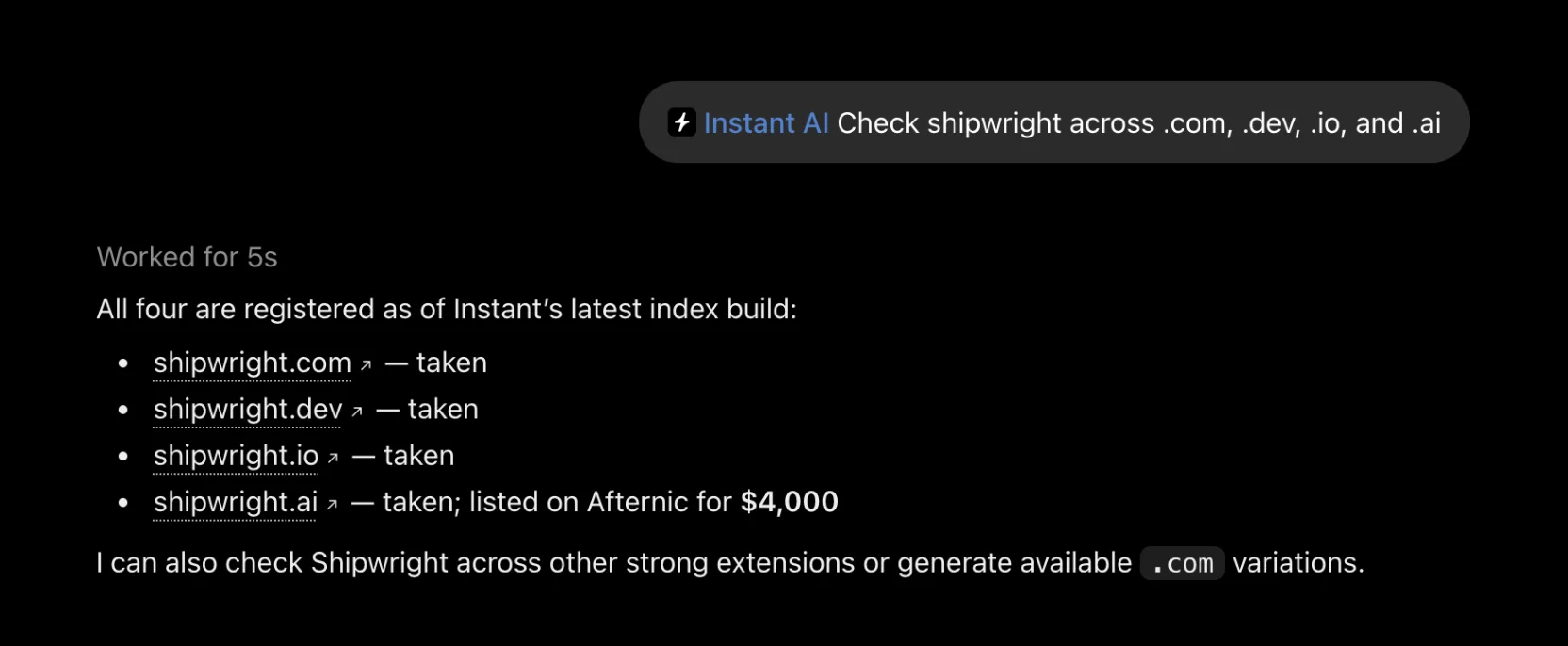
Every domain in the answer links to its research page, where you can compare registrar prices, read the WHOIS record, and decide whether the name is worth chasing.
How it knows what’s registered
Instant AI reads the same index as Instant Domain Search, rebuilt every day from registry zone files and DNS observations. It doesn’t query registries live, so a name registered this morning can still show as open until the next build. ChatGPT passes that caveat along in its answers, and we’ll repeat it here: confirm availability with the registrar before you buy.
It only reads. Instant AI can’t register, buy, or change anything, and nothing is sold inside ChatGPT. Trademark results show the snapshot date and are research, not legal clearance.
How to add it
When we launched the domain search MCP, using it in ChatGPT meant turning on developer mode and pasting a server URL. The listing removes both steps:
- Open Instant AI in the ChatGPT plugin directory, or search for “Instant AI” under Plugins in ChatGPT.
- Select Install plugin.
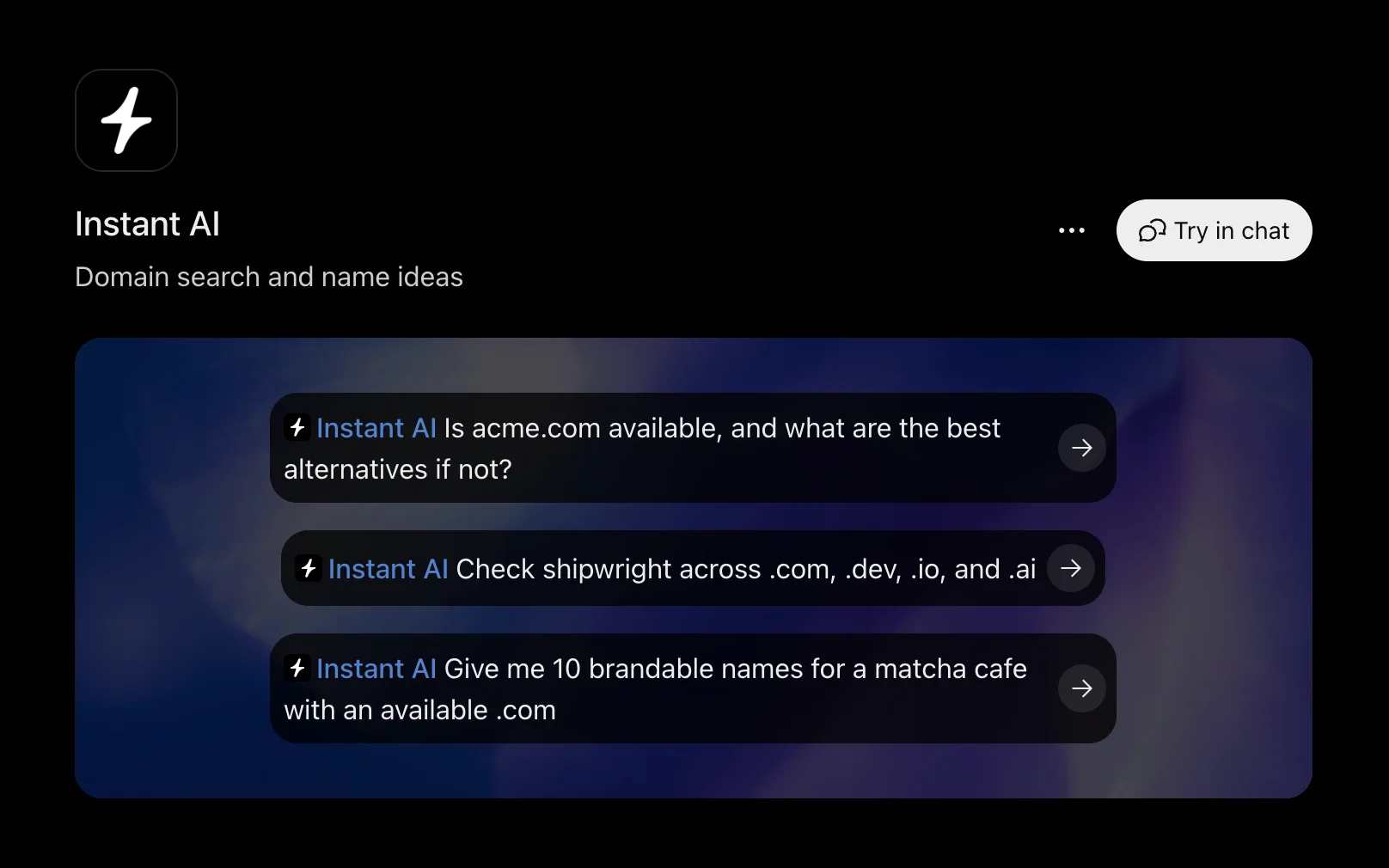
- Select Try in chat, or pick one of the three starter prompts.
Once it’s installed, the listing looks like this:
Prefer Claude, Cursor, or another assistant? The same server works there too, and the setup guides cover each one.
Try it
Instant Domain Search is live in ChatGPT Plugins, listed as Instant AI. Select Install plugin, then ask it to name the thing you’re working on.
Tell us what you’d want next: hello@instant.ai.
Frequently asked questions
Is it free?
Yes. Instant AI is free and read-only, with no account or API key.
How current is the availability data?
Status comes from our search index, rebuilt daily from registry zone files and DNS observations. A name registered since the last build can still show as open, so confirm with the registrar before you buy.
Can it register a domain for me?
No. It finds names and checks their status. Each domain links to its research page on Instant Domain Search, and you register at the registrar of your choice.
Does it work outside ChatGPT?
Yes. The same server works in Claude, Cursor, and other assistants that support MCP. The setup guides walk through each one.
Is the trademark search legal advice?
No. It searches indexed USPTO records and shows the date of the snapshot it read. It’s a research tool, not legal clearance.